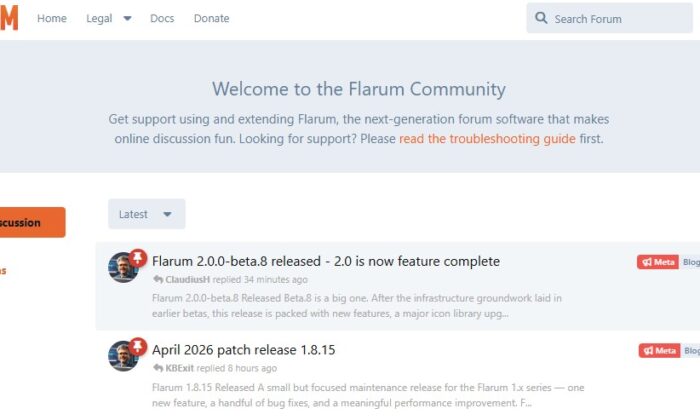
Flarum is a modern, fast, and beautiful forum software built with PHP. This guide will walk you through installing Flarum on a shared hosting server using Composer.
Even if you’re new to hosting, follow these steps carefully and you’ll have a working forum in minutes.
Requirements
Before installing Flarum, make sure your hosting supports:
- PHP 8.1+
- Composer
- MySQL / MariaDB
- SSH access (important)
- mod_rewrite enabled
Most modern hosting providers support these.
1️⃣ Generate a GitHub Token (Required for Composer)
Flarum dependencies are hosted on GitHub, so Composer may need a token to avoid API limits.
Open:
https://github.com/settings/tokens/new?scopes=&description=Composer+Flarum
Create a token and copy it.
Then run this command in SSH:
composer config -g github-oauth.github.com YOUR_GITHUB_TOKEN
Example:
composer config -g github-oauth.github.com ghp_xxxxxxxxxxxxxxxxx
2️⃣ Clear Composer Cache
This prevents installation issues.
composer clear-cache
3️⃣ Install Flarum
Go to your website root directory.
Example:
cd /home/username/domains/mydomain.com/public_html/
Then install Flarum:
composer create-project flarum/flarum:^1.8.0 .
Composer will download and install everything automatically.
This may take a few minutes.
4️⃣ Create .htaccess File
If your hosting does not automatically route requests to Flarum’s public directory, create this .htaccess file.
Go to:
/public_html/
Create .htaccess and paste:
<IfModule mod_rewrite.c>
RewriteEngine onRewriteRule ^$ public/ [L]
RewriteRule (.*) public/$1 [L]
</IfModule>
This ensures visitors can access your forum without /public in the URL.
5️⃣ Create the Database
Login to MySQL:
CREATE DATABASE flarum_beta;CREATE USER 'beta_user'@'localhost' IDENTIFIED BY 'StrongPassword123!';GRANT ALL PRIVILEGES ON flarum_beta.* TO 'beta_user'@'localhost';FLUSH PRIVILEGES;EXIT;
You will need these credentials later.
Example:
| Setting | Value |
|---|---|
| Database | flarum_beta |
| Username | beta_user |
| Password | StrongPassword123! |
6️⃣ Run the Web Installer
Open your browser and go to:
https://yourdomain.com/index.php
Fill in:
- Forum title
- MySQL database details
- Admin username
- Admin password
Then click Install Flarum.
Your forum should now be installed 🎉
7️⃣ Install Useful Extensions
Now install some popular Flarum extensions.
Run these commands in SSH:
Blog extension
composer require fof/blog
Static pages
composer require fof/pages
Best answer system
composer require fof/best-answer
Sitemap
composer require fof/sitemap
Webhooks
composer require fof/webhooks
8️⃣ Install Language Packs
For Vietnamese and Chinese support:
composer require flarum-lang/vietnamese
composer require flarum-lang/chinese-simplified
Then clear cache:
php flarum cache:clear
You can enable languages in:
Admin Panel → Extensions
9️⃣ Disable Crawling During Setup (Optional)
If your forum is still under development, you may want to block search engines.
Create robots.txt in your site root:
User-agent: *
Disallow: /
Later you can remove this once the forum is ready.
✅ Installation Complete
Your Flarum forum is now running.
You can access:
Admin panel
https://yourdomain.com/admin
Forum homepage
https://yourdomain.com
⭐ Tips for Beginners
✔ Always backup before installing extensions
✔ Install extensions one by one
✔ Clear cache after installing extensions
php flarum cache:clear
✔ Check extension compatibility with your Flarum version.